Another look into the my process as I sketch a page of Thomas Alsop (out now from BOOM! Studios).
For more on Thomas Alsop go to http://thomasalsop.com/.
How to Write & Draw Comics
Another look into the my process as I sketch a page of Thomas Alsop (out now from BOOM! Studios).
For more on Thomas Alsop go to http://thomasalsop.com/.
When you’re making comics as painted art, getting the borders and balloons nice and black can be tricky. I found a workaround that I share in this quick tip.
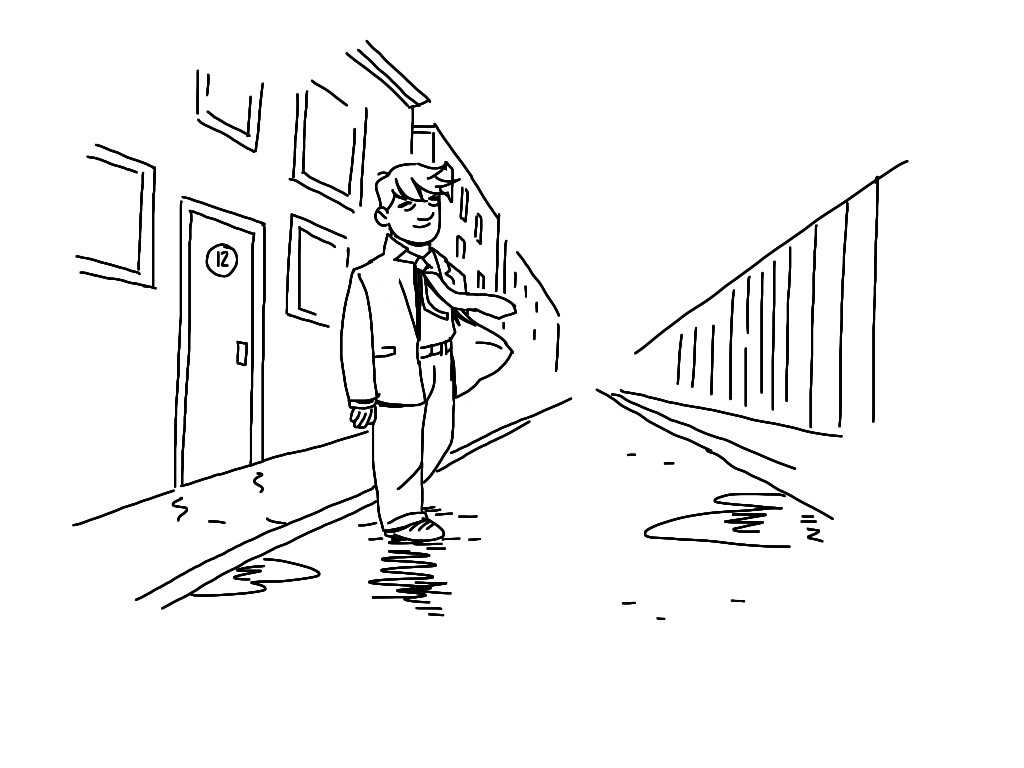
1. Wind
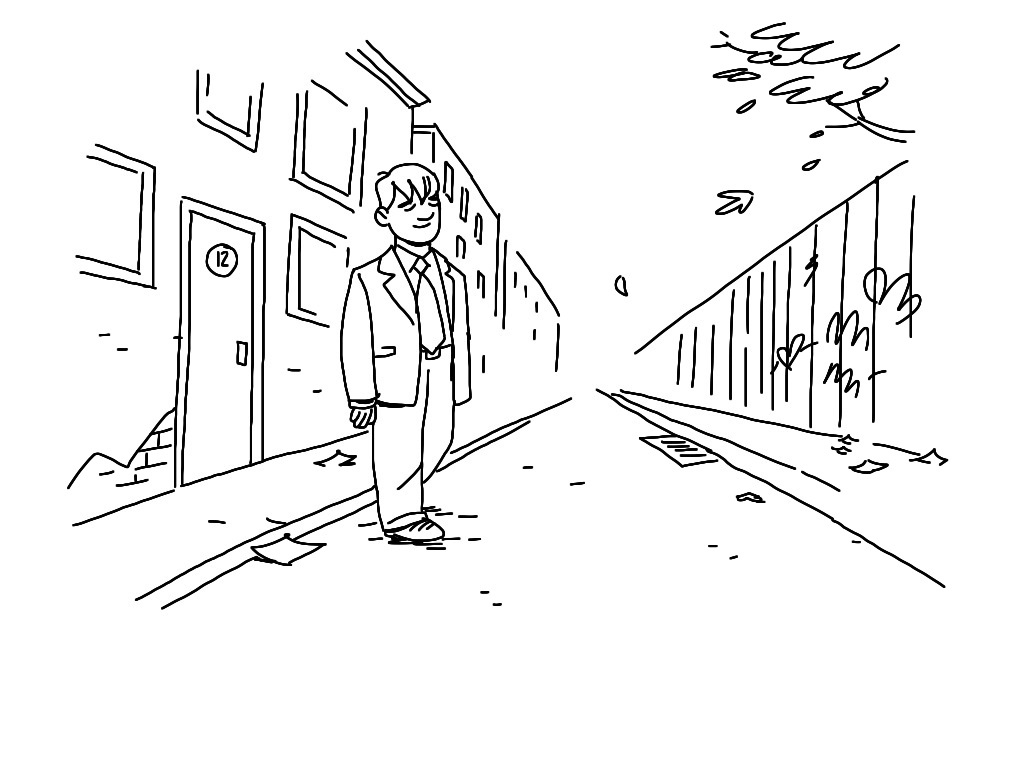
Yes, wind! We often forget the weather when we are making comics, but this is just another case of a little going a long way. A puddle or a snowdrift can give off the same effect and help us determine where and when we are.
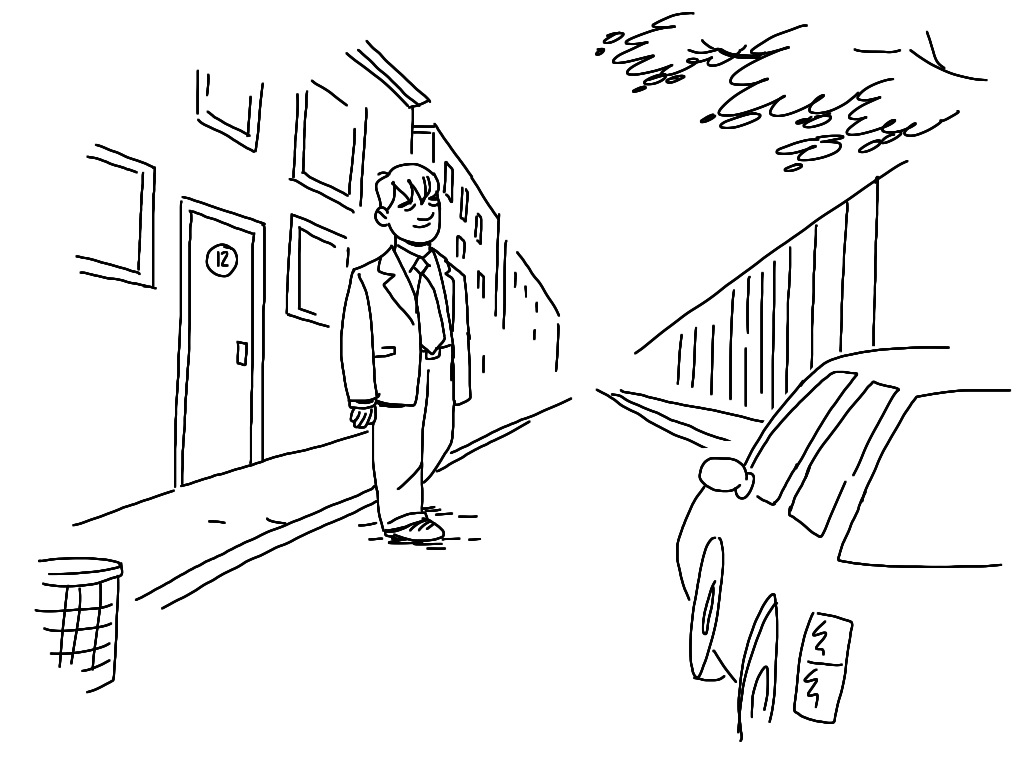
2. Foreground
Put something in the foreground of your frame will make it look like there is an actual world around your characters.
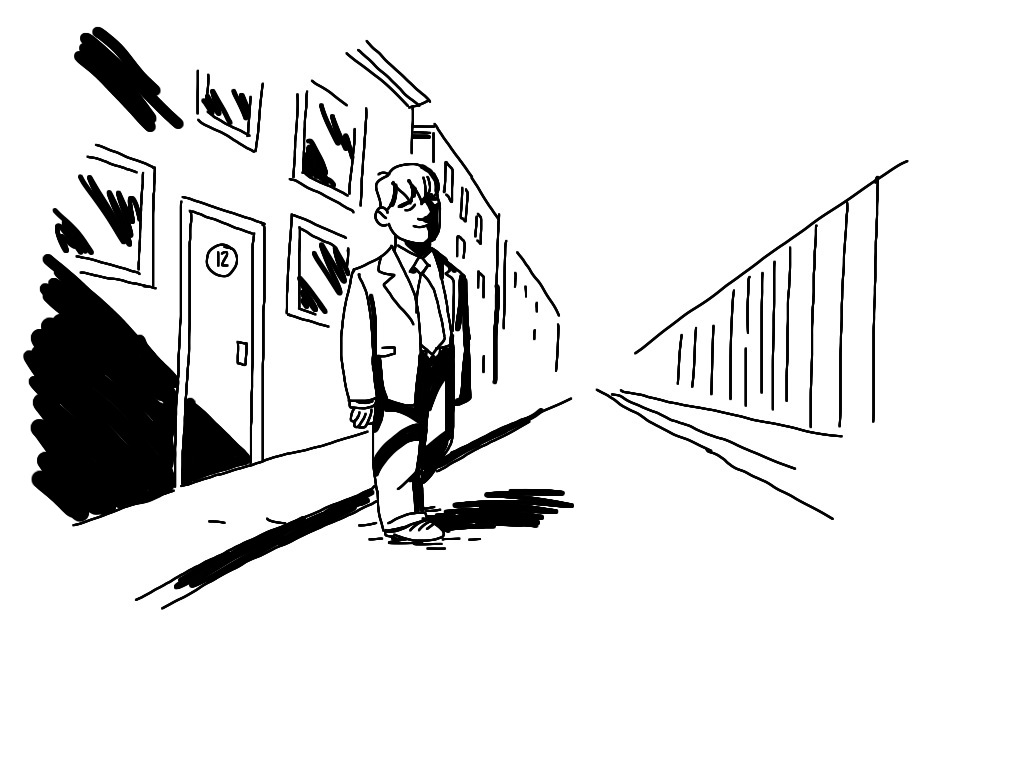
3. Shadows
Same as with foreground, the shade of something that is NOT visible in the frame, will give off the illusion of a bigger environment.
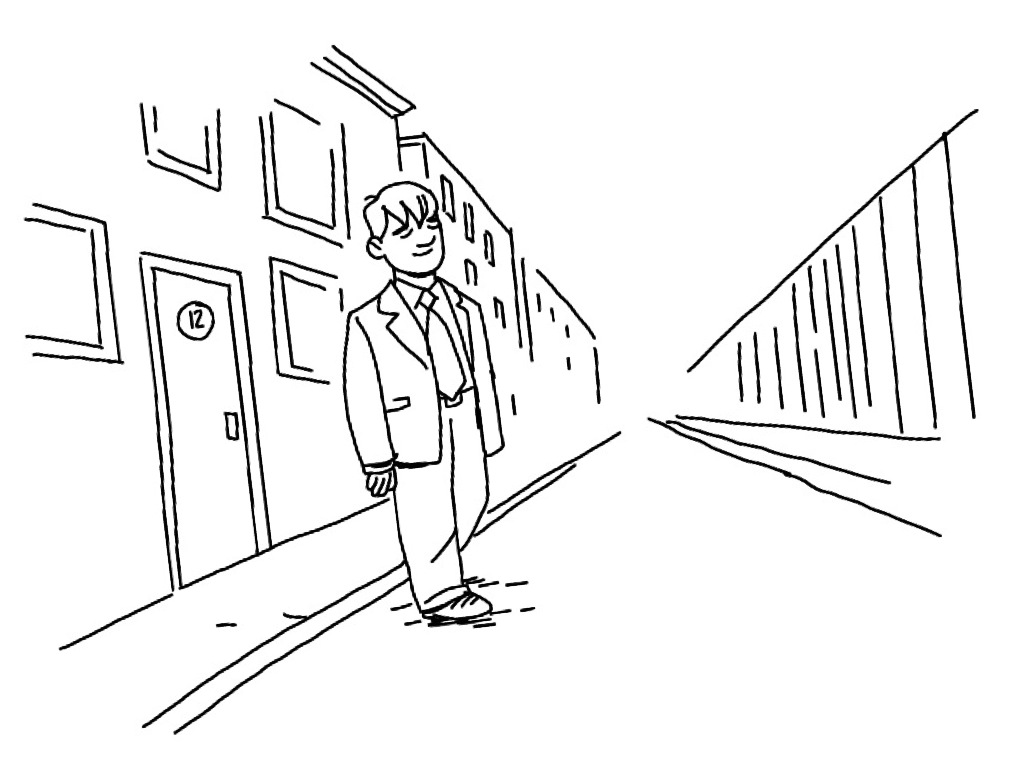
4. Tilt
If all your lines run parallel with the borders, you run risk of confusing and/or boring your reader. Tilt the image, make it seem more dynamic.
5. Trash
Put some paper scraps, dead leaves or cigarette butts in your frames to make them seem more lived in. A cracked pavement, a grafitti or some peeled paint gives the same feeling: The world exists outside this one, static image!
For more quick tips and art hacks like this, sign up to our newsletter!
The reason why these images just pop into my head on a very intuitive level is because I’ve put them there. Not on purpose, not by design. But by watching a whole lotta stuff over the years. Comics, painting, movies, real life – all of the things I’ve seen with my eyes, my brain remembers. All right, maybe not ALL the things I’ve seen. But you get the idea. The more you look at images, the more likely you are able to remember and replicate an image.
But again that’s not the whole truth.
Drawing these images vastly improves your ability to remember and replicate them. The more life drawing, the more copying you do, the more images you solidify in your subconsciousness.
The images that pop into my head probably do so, because I’ve seen them or drawn them before. Not that exact image, but something similar.
A few exercises:
The image the Nigerian subscriber mentioned as a reference was this one.:
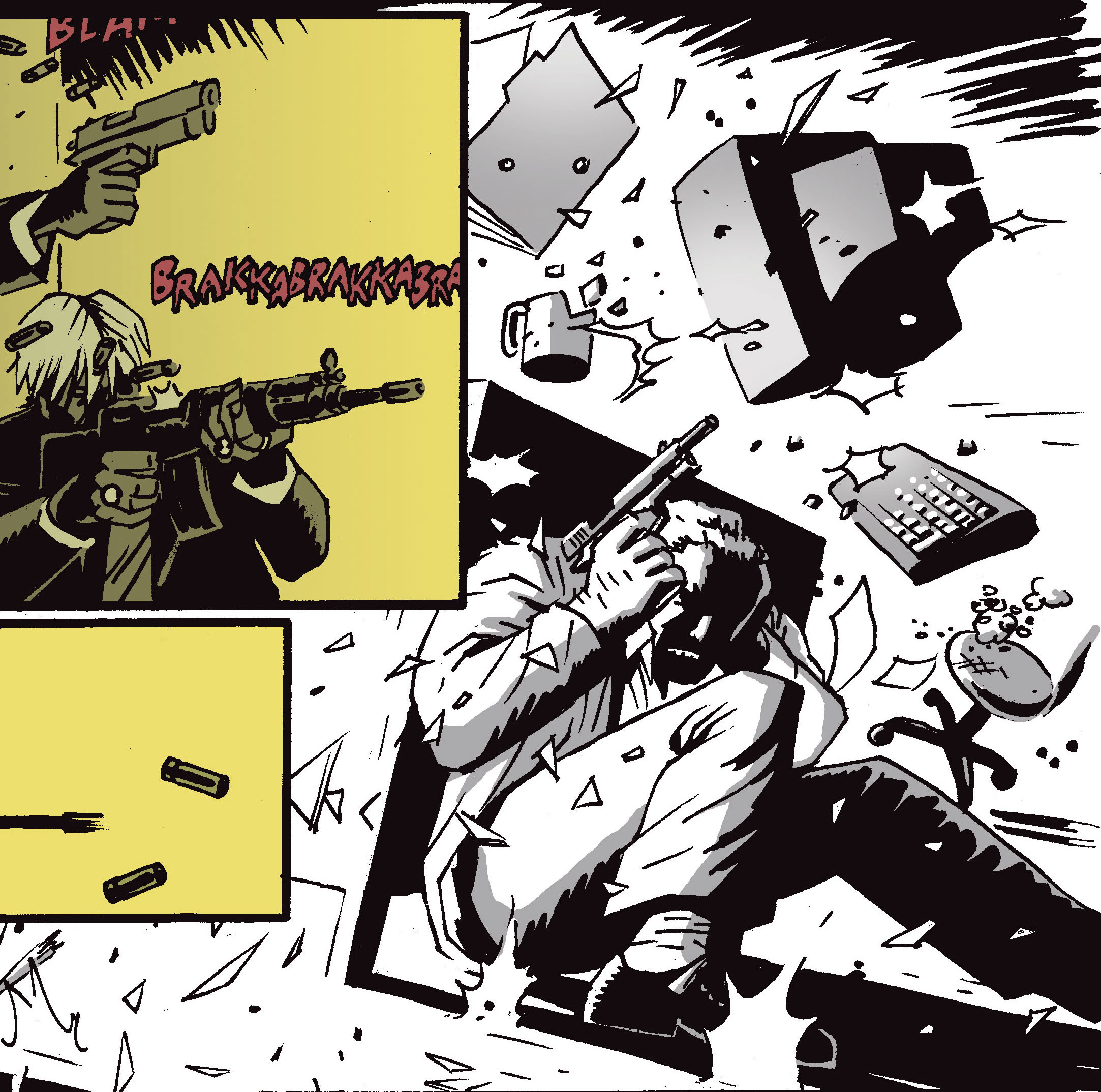
I can see why it looks seducingly easy, like I’m some comics genius. But I probably made half dozen versions of this image before landing on this one. At least in my head. That’s where the images usually come from, as I’m writing the script.
It’s not easy. But it get’s easier. The more images I see, the more images I draw, the more I have to replicate from.
And you know that feeling of having an image inside your head and not being able to get it down on paper? Yeah, I get that too. But I’ve learned to ignore it. The image in my head washes away and is replaced with whatever is on the page, and that’s OK. It’s just one drawing out of hundreds, thousands. I get less attached the more I draw. I feel like that’s the secret to making comics in some weird way. Not caring so much for the individual image but caring about the flow of the story.
Hope the longer answer is more helpful!
Related podcast: Drawing Every Day
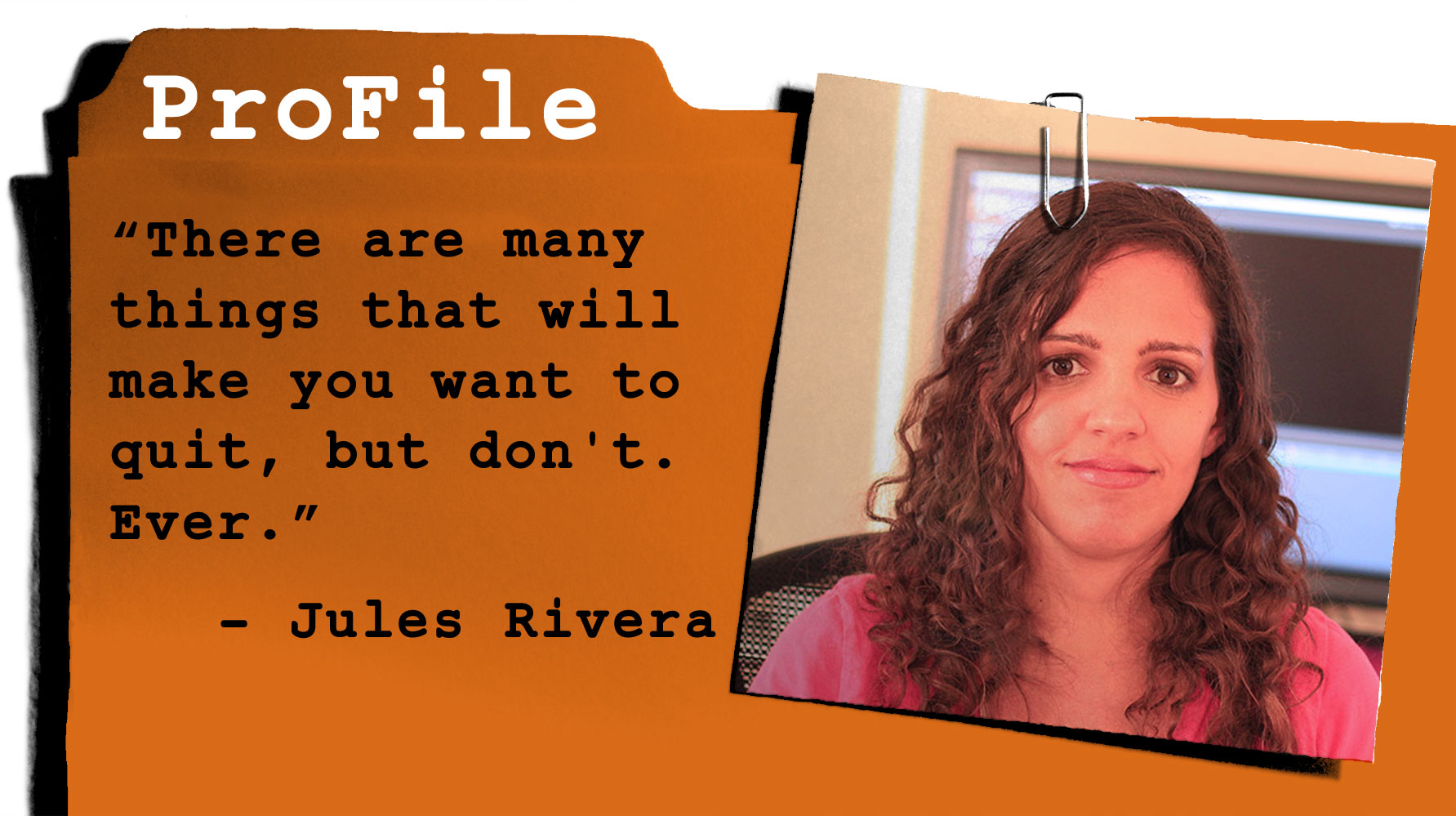 Jules Rivera is a Los Angeles-based sequential illustrator and animator. She has worked in small press publishing and TV animation, and has self-published several graphic novels including Misfortune High and webcomic Valkyrie Squadron.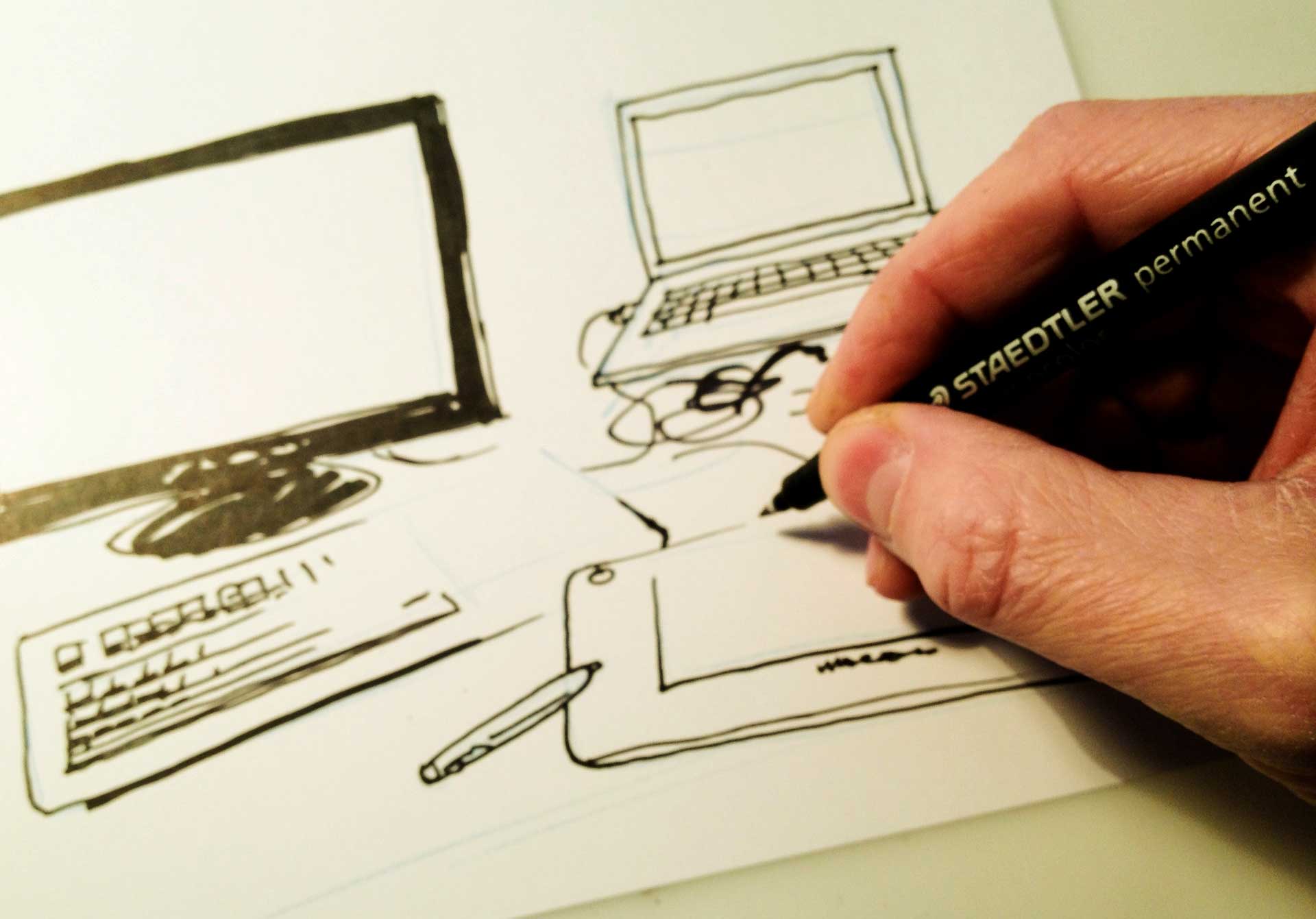
While the digital possibilities are vast and very tempting, I still see advantages in the oldschool method of drawing on paper. Here is a list of pros and cons as I see it.
No scanning.
Since you’re drawing your art directly in the computer, there is less hassle scanning and cleaning up your original artwork.
Possibilities
Being able to move and scale ANYTHING, including reference pictures, sketches and word balloons is definetely an upside. With a CINTIQ 
Undo
Am I the only one who sometimes find myself searching for the “undo” button, when I’m drawing on paper? Granted, the so called “lucky accidents” that come from working with a pen or a brush can be a pro as well, but more often than not, you end up with plain old UNlucky accidents – and correcting is a lot easier to do digitally (and with nicer result).
Speed?
It seems for some artists, the possibilities of going digital also offers more speed and momentum to their work. They are simply able to get to a nice result faster. Used efficiently, digital saves you a ton of time.
Speed?
In my experience, any task I take to the computer takes double the time. You can zoom in way too much and nitpick details. You’re working on a device that also has Facebook, Twitter and a gazillion other things running at the same time. I believe “PC” stands for “Procrastination Central”. And the speed of your work depends on the speed of your computer, your software, your file size and all sorts of other fun factors which you have little control over.
Price
You can work digitally with just a computer and a Wacom tablet. But if you really want to go all in, with all the advantages a Cintiq has to offer, get ready to throw almost two thousand dollars on the table. Ouch! You better be sure you can make that money back. Remember though, that equipment you use for your business is usually tax deductable (depending on where you live).
Updates and breakdowns
When has a piece of paper ever asked for an update, or asked for you to plug in the power cord? The reliability on hardware and software is slightly scary (at least for me) because those things can go flaky on you with no warning.
Low mobility
This is a big issue for me. I like being able to sit with a sketchbook or work out of the house for a day. If I had a digital setup, it would most likely be at my studio and too bulky to bring anywhere. However, Wacom has put out a 13.3″ Cintiq 
Back up
A piece of Bristol board doesn’t suddenly crash on you and leave you to have to reconstruct hours of work. Unless you spill coffee all over your original art, it will usually outlive any computer. And if you scan it in, you have a digital backup as well, a lot safer than having just one file.
No original artwork!
Having drawn it all on the computer, you have no originals to sell at conventions or exhibit at your local library or whatever. Sure, you can make nice printouts, but that’s just not the same, is it? Note that this con could be a pro, since you don’t need storage space for your original art! You can put it all in your Dropbox or on a portable harddisk.
Given the price, low mobility and given the fact that I don’t have the time for the learning curve that going all digital will require (at least before the result is anywhere near what I can produce with pen and paper), I don’t see myself going digital anyt time soon. And I don’t like having to rely on power and technology to be able to make comics.
Creating comics can easily become more than just a hobby, regardless of your preferred drawing method. To find job opportunities for comic book artists, consider exploring platforms like Jooble.
What do you guys think? Are there any pros or cons I missed? And what do YOU use to make comics? Comment below!